[2025-10-21] MacBook Pro M5 Review: What Church Media Professionals Should Really Consider
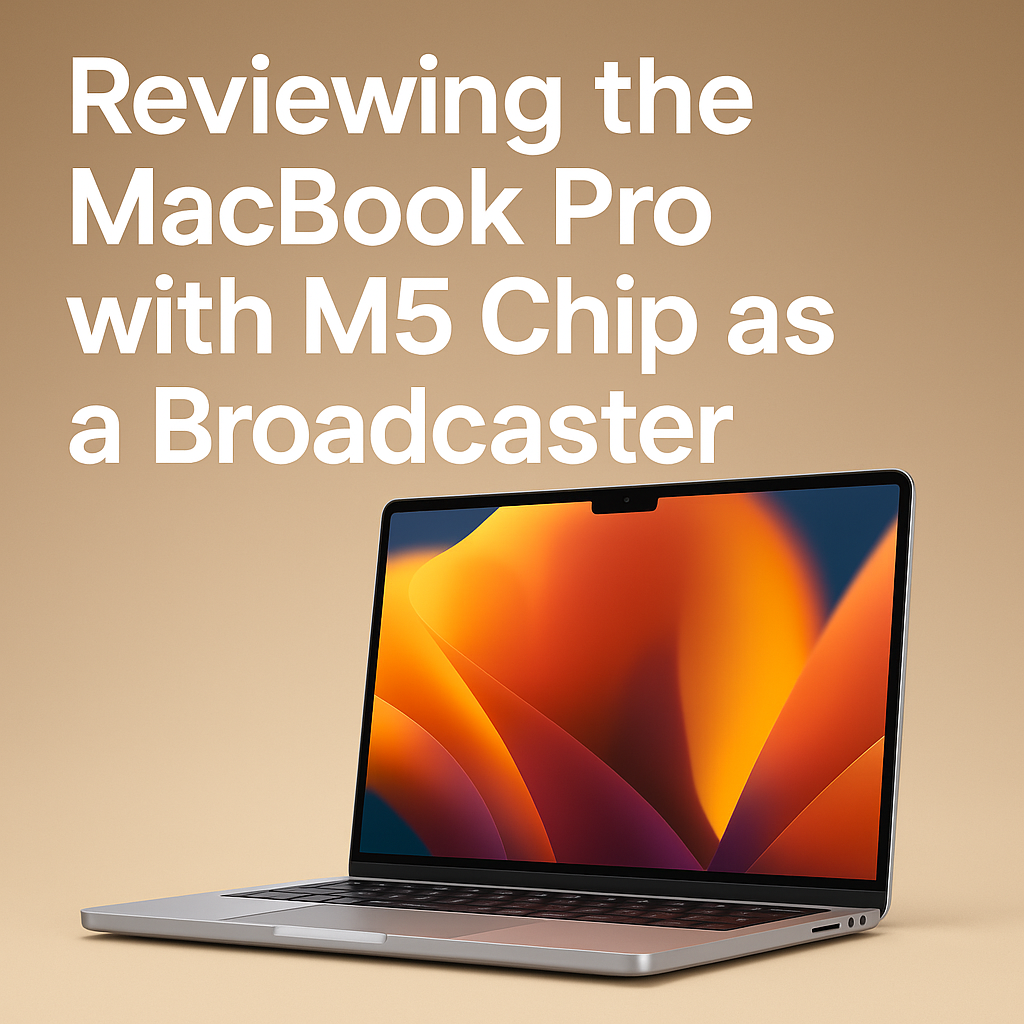
In modern worship and church media environments, a laptop is far more than just a work device—it’s the heart of the broadcast, the message, and the creative workflow. The new 14″ MacBook Pro (M5) deserves attention not just as another tech upgrade, but as a key tool for those who serve in digital ministry and live streaming. While the design looks nearly identical to the previous generation, the internal performance tells a different story.
1. Main Specifications and Price
- Chip: Apple M5 (10-core CPU, 10-core GPU)
- Base Memory: 16GB Unified Memory
- Storage: Starts at 512GB SSD, configurable up to 4TB
- Display: 14-inch Liquid Retina XDR
- Ports: 3 × Thunderbolt 4, HDMI, SDXC card slot, MagSafe 3
- Starting Price (U.S.): $1,599
- Release Date: October 22, 2025
2. Chip & Performance — How It Differs from the M4
Compared to the previous M4 generation, the M5 delivers tangible improvements that directly impact broadcast and media workflows:
- AI / On-device Processing: up to 3.5× faster (Neural Engine cores integrated with each GPU)
- GPU Performance: about 1.6× higher, especially noticeable in rendering transitions, titles, and effects
- Multithreaded CPU Performance: roughly +20% improvement
- Memory Bandwidth: increased from 120 GB/s (M4) to 153 GB/s (M5)
These differences become clear in 4K video editing, multi-camera live streaming, real-time caption generation, and other GPU-heavy tasks that church broadcast teams often handle every week.
3. Battery Life Comparison
According to Apple’s official specs, the M5 maintains the same maximum of up to 24 hours of video playback. In real-world use, previous M4 models typically lasted 14–20 hours during intensive video production. So rather than a dramatic jump, the M5 offers refined efficiency and stability under heavier workloads.
4. Investment Value — For Churches and Media-Intensive Teams
Performance Gains: AI up to 3.5× faster, GPU about 1.6×, CPU multithreaded +20%, memory bandwidth +27% overall.
If your team mainly edits sermon clips or simple highlight videos, the M4 is still more than capable. But for ministries that handle multi-camera live services, real-time captioning, noise reduction, and simultaneous recording, the M5 is a meaningful step forward in stability and headroom.
In short, if your church’s broadcast workflow often hits CPU, GPU, or AI bottlenecks, investing in the M5 is justified. But if you’re already running smoothly on an M4 and budget is limited, redirecting funds toward better lenses, lighting, or audio gear might be the wiser move.
Share this content:
Post Comment