[2025-10-18] How to Manage Audio, Video, and Computer Systems Within the Church
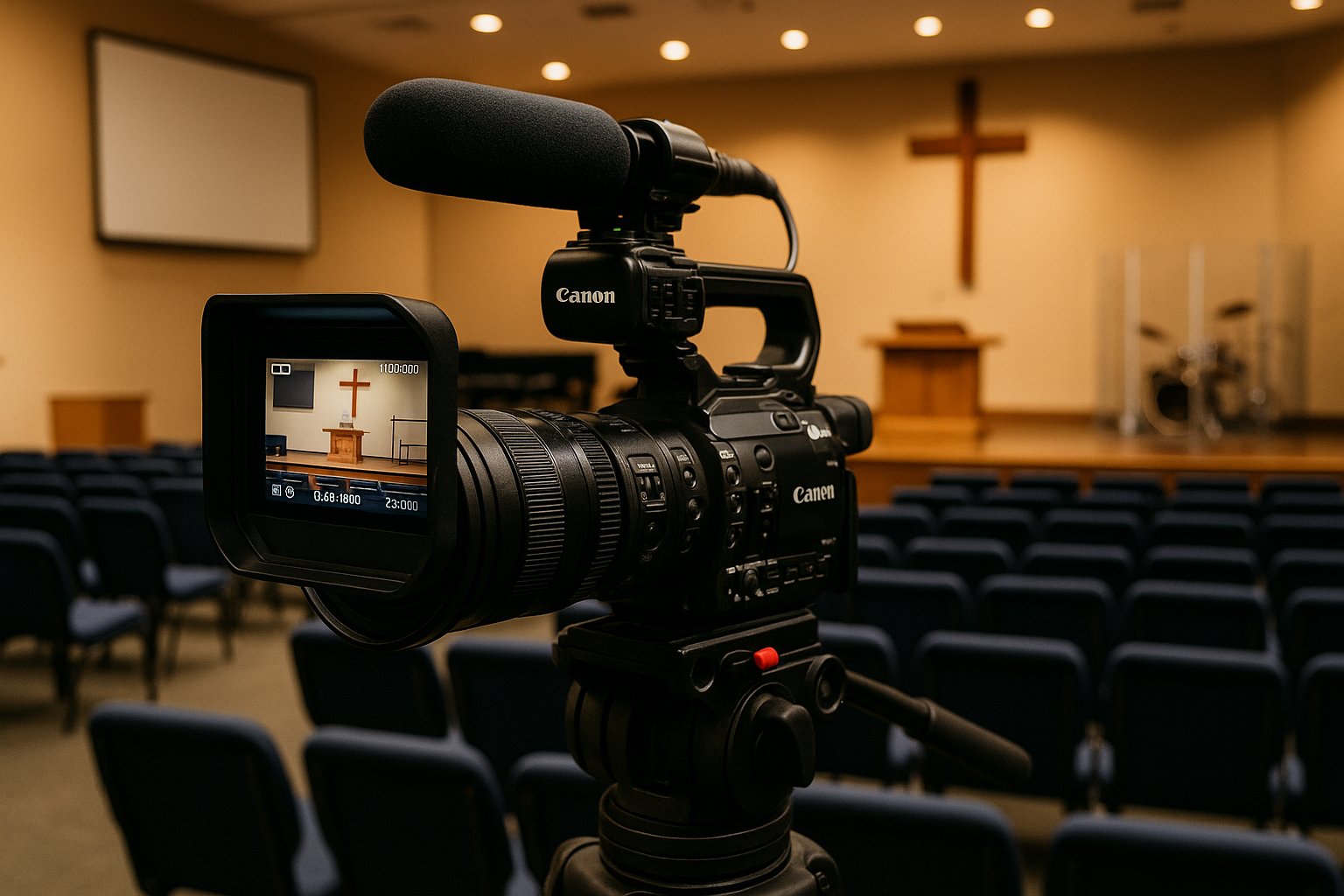
Many pastors and ministry servants ask how to properly manage audio, video, and computer equipment within the church. Larger churches may have professional staff, but smaller churches without dedicated technicians often struggle with even minor issues. For that reason, here are some basic guidelines that any church can follow.
1. A Media Operator Is Not Just a Technician — They Are a Gatekeeper of Worship
The media booth is not just a control station; it carries the spiritual flow of the entire service. While many problems are due to lack of skill, a surprising number of errors occur simply because the servant is not spiritually prepared.
- Pray twice as much as others.
- Read the Word twice as much as others.
- Receive grace first so that grace can flow through your hands.
If the operator is not spiritually alert, the media booth can become a source of distraction rather than a channel of blessing. Heart and reverence must come before equipment.
2. Never Purchase Equipment Without Professional Guidance
The most common mistake is buying equipment based solely on online searches or lowest price. However, the right system depends on room size, acoustics, speaker placement, and ministry purpose.
Even if it costs a little more, always consult a professional during the purchase and installation process. A system that is planned and installed correctly from the beginning will operate with far greater stability.
3. Always Back Up All System Settings
Do not rely on memory. Keep physical backups.
- Take photos or export settings of the mixer, processors, subtitles, and streaming software.
- Ensure at least one or two team members know how to fully restore the system.
- The ability to recover instantly in emergencies is more important than waiting for outside help.
4. Proper Power Order Is the Foundation of Equipment Care
Equipment lifespan is more about how it is treated daily than how much it costs.
- Power On → Mixer / Source → Amplifier / Speaker
- Power Off → Reverse Order (Amplifier → Mixer)
- Use dust covers and keep cables labeled and tidy.
5. Schedule Professional Maintenance Once or Twice a Year
Just like cars need routine checkups, so do audio and media systems. If you bought your equipment through a vendor, request periodic maintenance. If not, seek help from a trusted technician.
If you are in Southern California, leave your church name and contact in the comments.
I do not charge for labor, but please cover fuel and meals for responsibility.
If repair or replacement is needed, I can assist or connect you with an honest company.
Conclusion
Audio and media are not just technical tools — they are channels of the Gospel.
The most important element is not the hardware, but the heart of the servant handling it.
Share this content:
Post Comment